

Invited to use CivilPro?
If a contractor or Council has invited you onto their project, your access is free — you don't need to buy anything. Here's what you've been asked to do, and how to do it.






What you've been asked to do
Find your role — each card links to a step-by-step guide.
Site Inspector
You'll open checklists assigned to you, verify the items you've inspected, and sign off in the app.
Release Approvals →Testing subcontractor
You'll receive Test Requests, run the tests, and upload your results — which land linked to the right Lot automatically.
How to respond to a Test Request →Surveyor
You'll receive Survey Requests and upload set-out or conformance results against the Lot.
How to respond to a Survey Request →Subcontractor crew
You'll complete checklists for your own work — on a phone or tablet, photos included, no paper.
How to complete a checklist →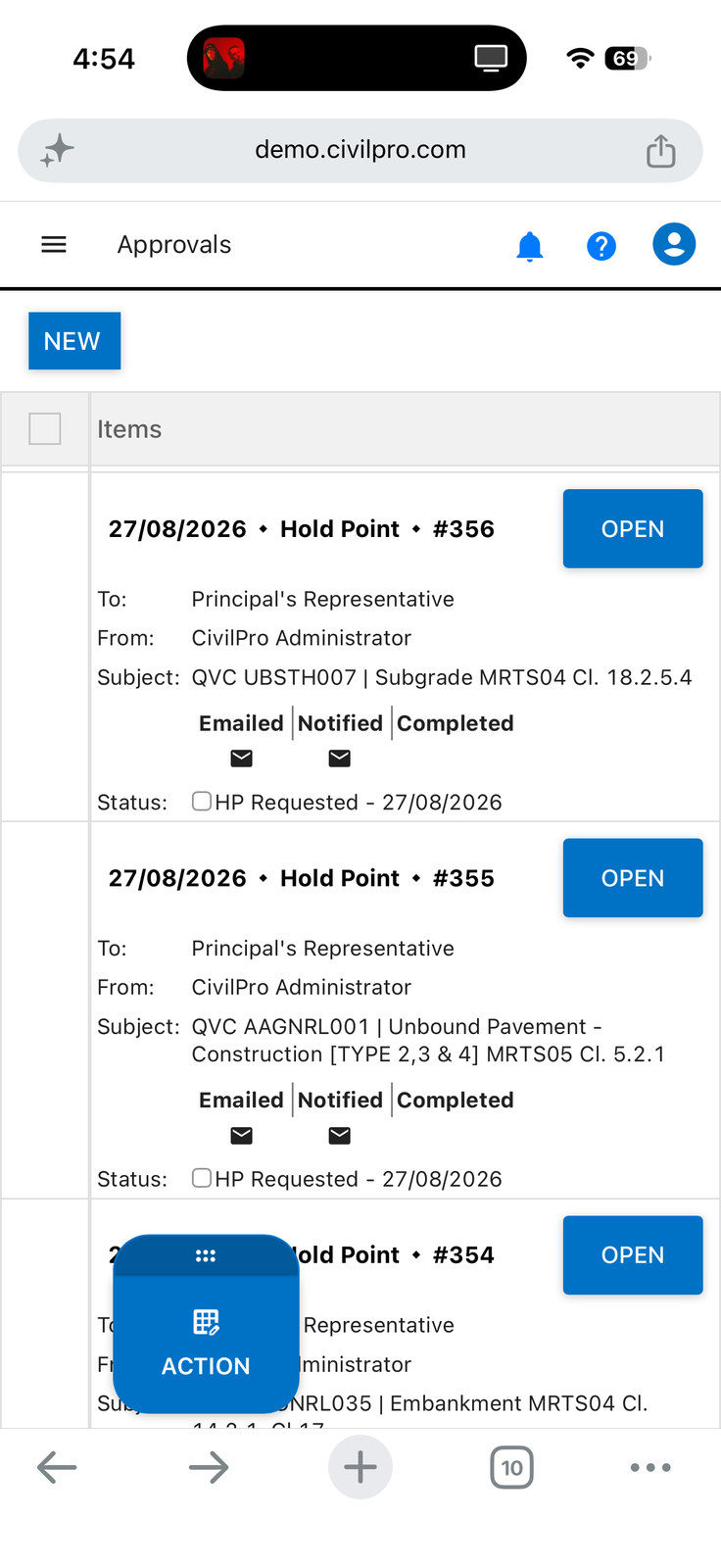
Works where you work
Open your checklist on any phone or tablet. Check items off, pin photos, submit. The contractor's register updates in real time — no chasing, no paperwork to hand in.
Quick answers
Will I be charged for using CivilPro?
I got an invite email but don't have an account — what now?
I can't see the Lot / Test Request I was told to look at
How do I upload a test result?
Who do I contact if I'm stuck?
Everything else lives in the Help Centre
Guides, videos and step-by-step procedures for every role.
Open the Help Centre ↗