

Here it is – CivilPro, end to end.
Thanks for your details. Someone from our team will be in touch shortly. In the meantime everything below is yours to work through at your own pace – the full demo, the capability slides, and how the whole thing hangs together.
The full demo
A run through the quality workflows as they actually happen on a job – not a feature tour.
What you will see
A Lot created and a checklist applied to it. Hold Points raised and released. Test and Survey Requests issued, results coming back against the Lot. NCRs raised and closed out.
Where it ends up
The Lot conformed, and the Conformance Report compiled out of the record itself – the checklist, the test results, the approvals and the drawing the work was set out against.
Prefer to read it
There is a written, bullet-pointed summary of the same material in the Help Centre if you would rather scan than watch.
Read the summary →





Where CivilPro Differs
The capability deck. What the platform does today, what is landing next, and the parts that are specific to civil rather than borrowed from generic project software.
Worth a scan even if you watched the whole demo – it covers the cost side, which the overview video does not: Daycosts and Site Diaries, Progress Claims auto-populated from conformed Lots, and live Forecasting.
Open the slides →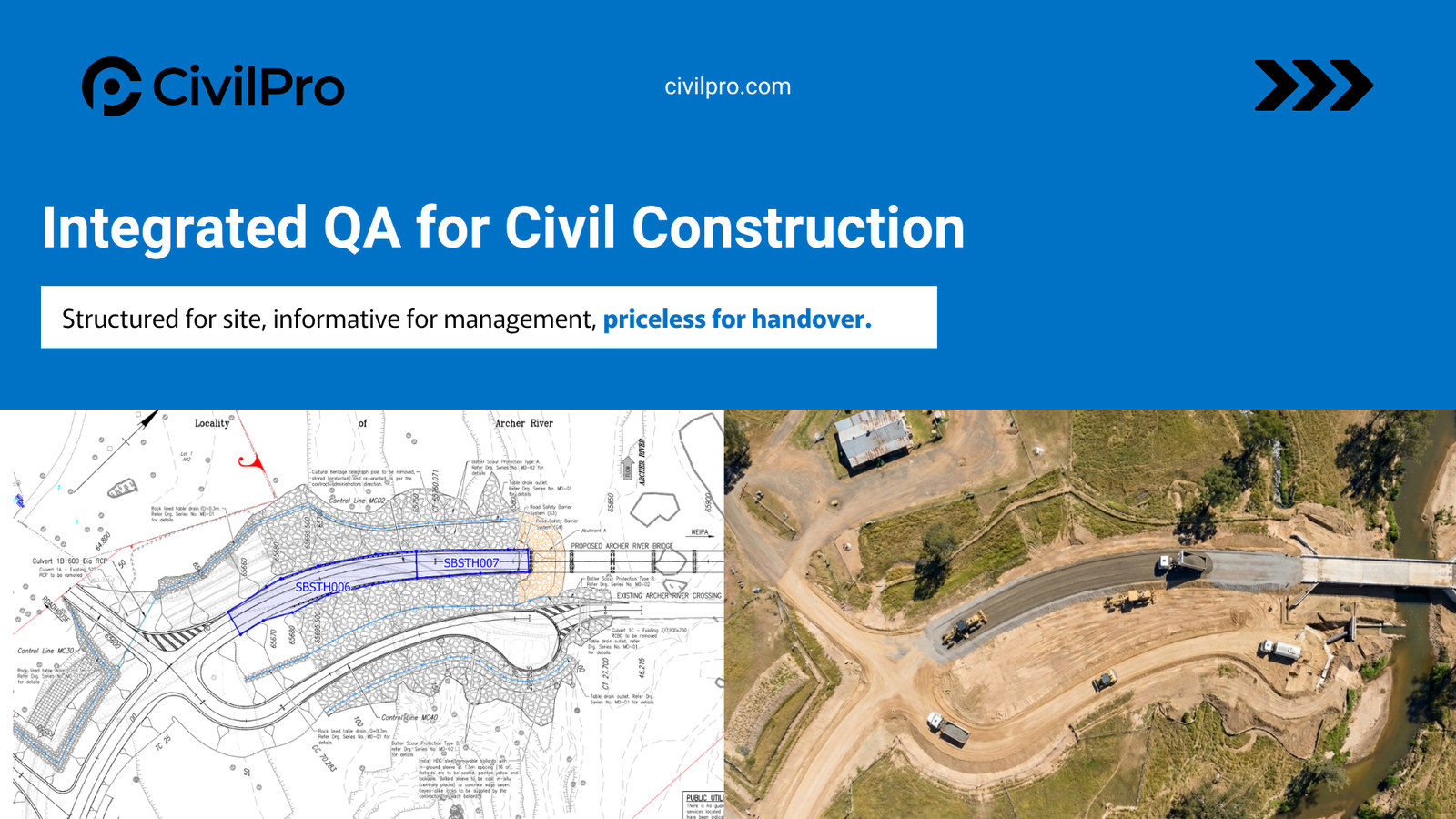
How the whole thing hangs together
Everything in the demo hangs off the Lot. Tests, surveys, approvals, checklists, NCRs and quantities all tie back to it, which is what makes the Conformance Report fall out of the work rather than get assembled after it.
Create a Lot
Define the work by chainage, coordinates or drawing markup. Assign work types, area codes and quantities.
Add a checklist, complete QA
Digital ITPs generate checklists for paperless field completion. Hold Points notified and approved in-app.
Conform, review, export
One click compiles the checklists, tests, photos and sign-offs into a clean, auditable Lot Conformance Report.
"CivilPro has enabled real-time collaboration among all stakeholders — Client Representatives, Contract Administrators, Testing Agencies, and Surveyors. This has streamlined the entire quality cycle and reduced administrative tasks across BMD's diversified portfolio."
"For Fulton Hogan, CivilPro is an essential element to a successfully delivered infrastructure project — from scalable interfaces for all project stakeholders to bespoke tools for the nuances of complex civil work."
Prefer a Teams session? So do we.
Half an hour, your project, our register. We will walk through how you are running QA now, where it is costing you, and the parts of CivilPro that would change that – rather than running the same demo again.
Book a Teams session
Pick a time that suits. We will come prepared with your sector and the contracts you deliver under.
Find a time →See it on your own project
A scoped Proof of Concept on a live job, with success criteria agreed up front rather than a sandbox you have to imagine into.
How a PoC runs →Just want the numbers
Annual plan plus seats, with Inspectors, testing subbies and your Client participating free. Estimate it yourself on the pricing page.
See pricing →